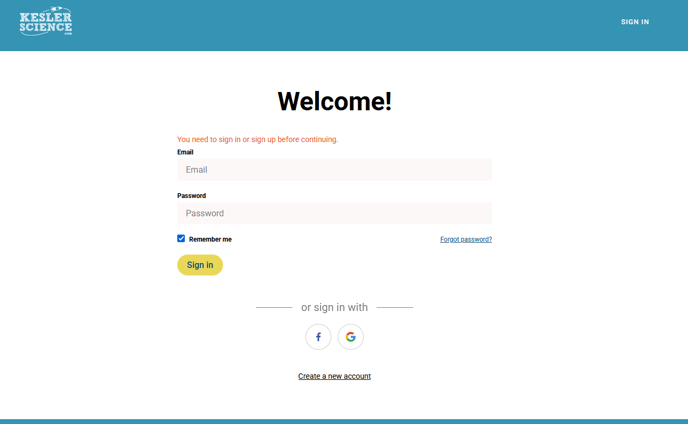
Logging in to your Kesler Science Membership
The way you log in to your Kesler Science Membership depends on which platform your Membership is located on.
Our Membership is found on the PocketLab Notebook website. To sign in for the first time there, follow these steps:
- Visit app.thepocketlab.com
- Click 'Teacher'
- Click 'Create an account'
- Create and verify with the email you used to purchase (if your school purchased it for you, use your school email)
Additionally, if your school has Classlink or Google email accounts, you can use those buttons to log in as well.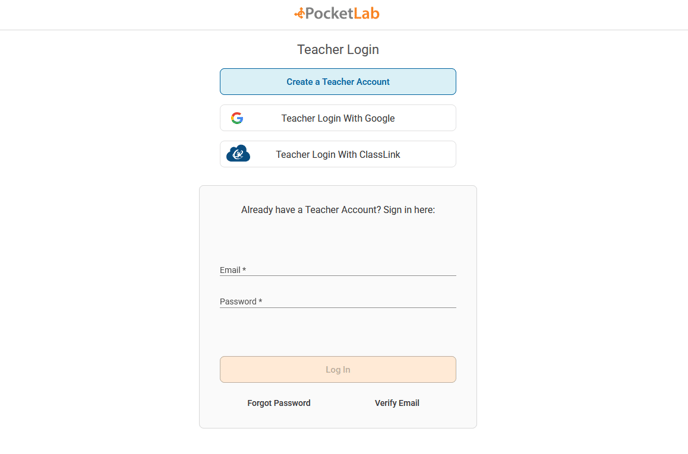
Our Membership was originally housed on a site we called the Dashboard. (If you've been with us before, this might be what you're more familiar with!)
If you are needing to access the Dashboard (for PD courses, Lone STAAR Launch, or if you prefer to use the Membership there), you'll use this link here.
You'll use the email you purchased with, or your school email if they purchased for you. If you're not sure of the password, please click 'Forgot Password?'. (If this still does not work for you, please reach out to support@keslerscience.com!)